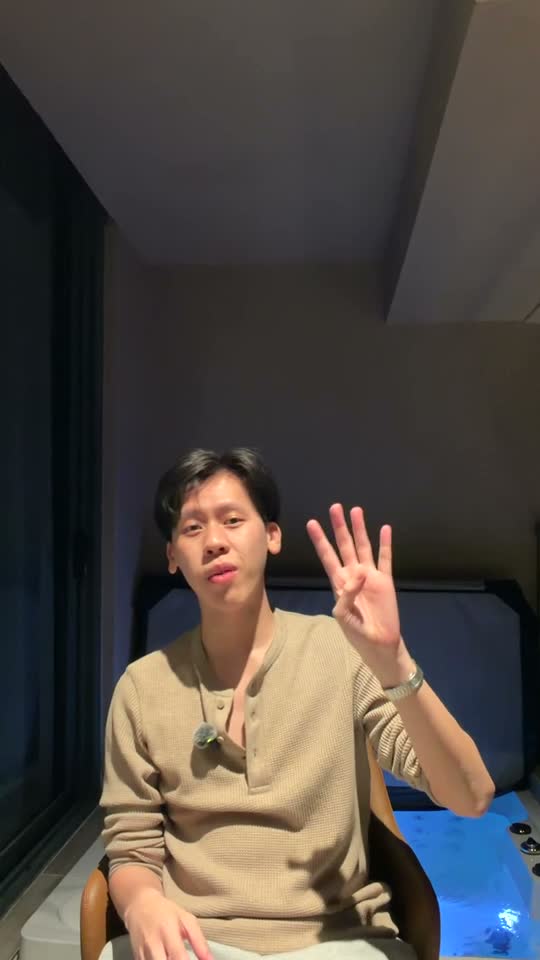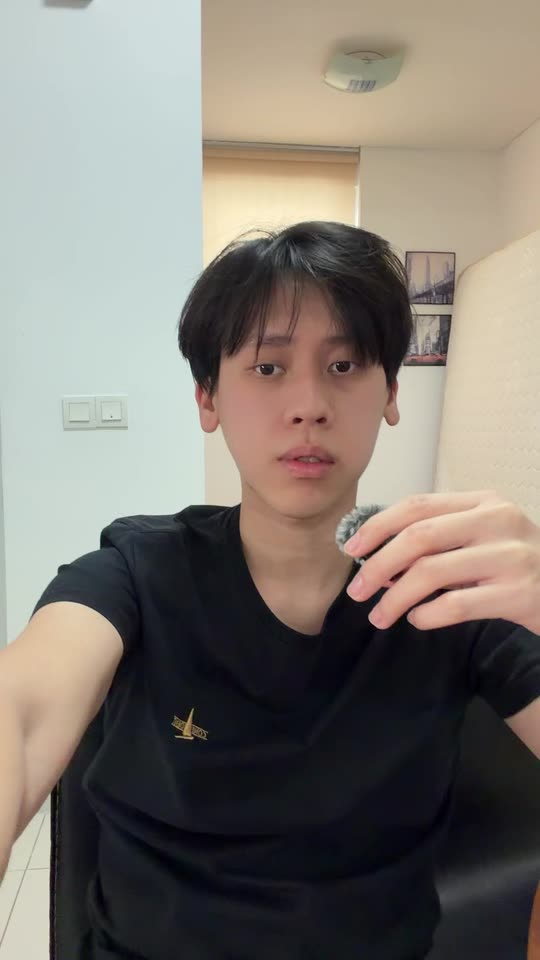


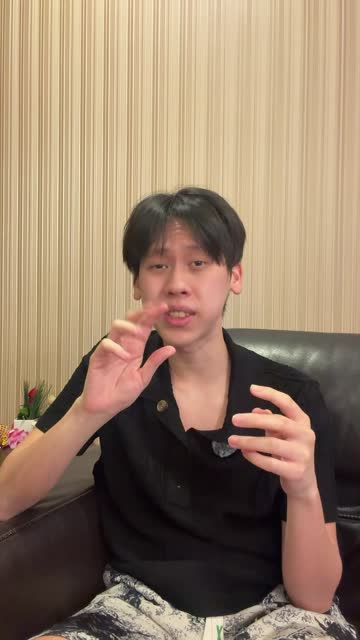
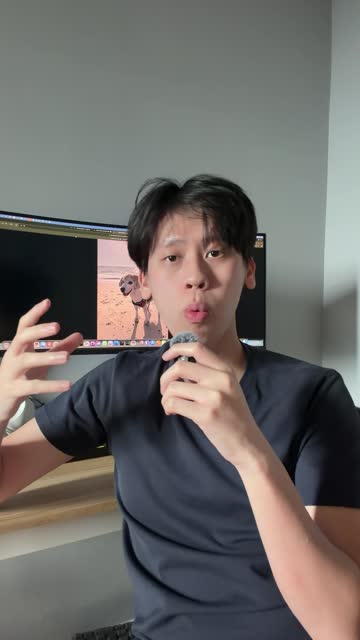

AI video editor for creators who want to post a lot

Turn your raw clips into a finished video, just by chatting.

Drop in your clips and say what you want. Post it the same day you record.

Start editing

Unlimited exports · Cancel any time

  • Add captions to the video, cut the bad takes
  • Show fake guru reels above me
  • Pop up the post I'm quoting
  • Help me add technical diagrams
  • Put the key words behind me
  • Now diagram who makes the decision
  • Punch in on the last line
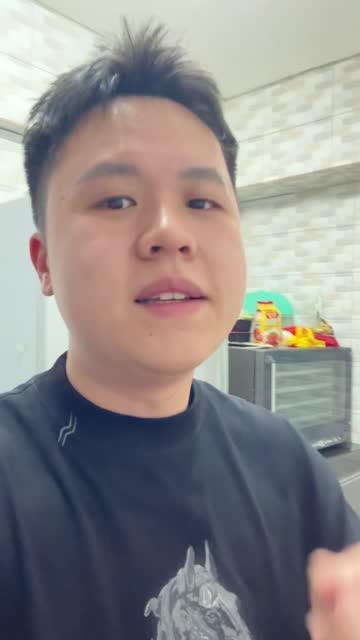
“I'm doing a video every day for a year. Krafto is the only reason I haven't fallen behind.”
柏轩@impakhinProject 365 travel vlogssee his edit ↓
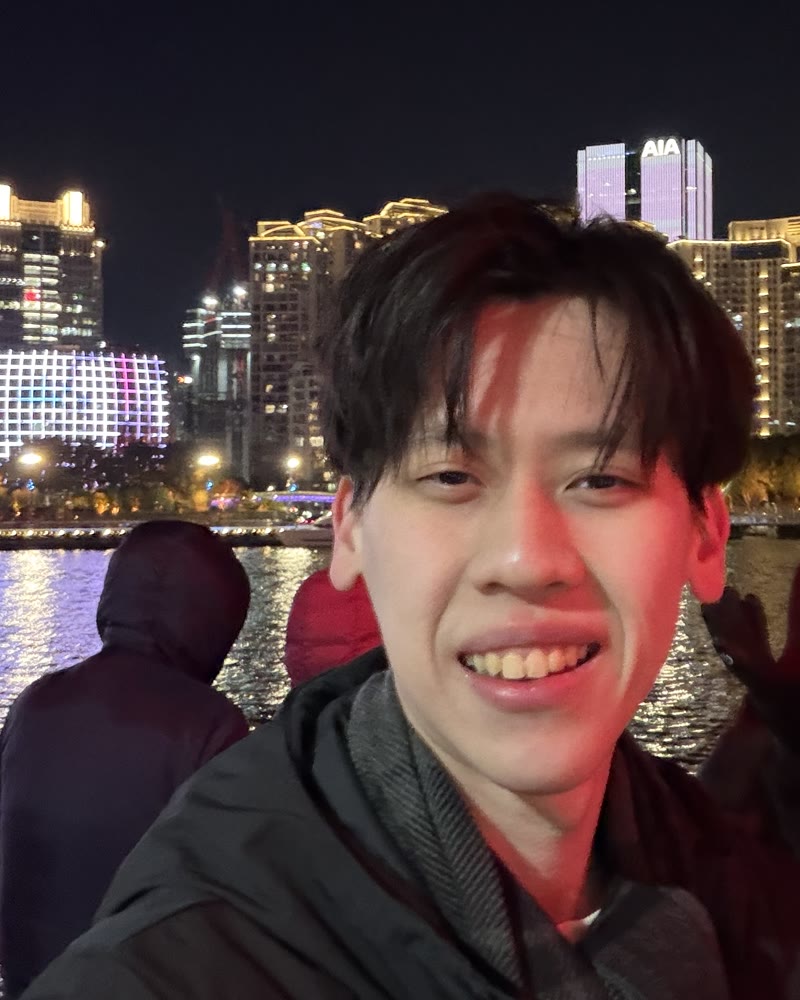
“I just say what I want the numbers to do, and the graphics show up on the right words.”
Young Shen@gohys_118property investing explainerssee his edit ↓

editing sucks

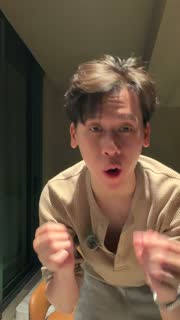
How many videos have you filmed but never posted?

YJ, the founder of Krafto

Hi, I'm YJ.

I love making videos. But cutting out bad takes took me hours, every single video. And to add good animations, I had to learn two different pro tools.

I tried hiring editors too. They charged me $100 a video and took days to send it back. And I wasn't even happy with it.

So I built Krafto for myself. My friend found it, loved it, and wanted it too. So I decided to share it with everyone. Now my videos go out the same day I record them.

YJ
How it works

From raw clips to ready to post, in one chat.

  1. 01

    Drop in every take

    Krafto listens to every take, keeps the best one of each line and cuts the pauses.

    • picks your best take
    • cuts silences
    • writes down what you said
  2. 02

    Say what you want

    Ask for captions, then ask for motion graphics. Krafto adds each one to a real timeline.

    • captions
    • titles
    • motion graphics
    • sound effects
  3. 03

    Fix it your way, then post

    Point at a part and say what to change, or click it and change it yourself. Only that part changes.

    • point and ask
    • edit by hand
    • 9:16 · 4:5 · 1:1 · 16:9

What you can ask for

If you can say it, Krafto can edit it.

Six asks, six real edits. Drag a sticker onto the phone, or tap one.

All cut from real raw recordings. Each edit came from a single sentence.

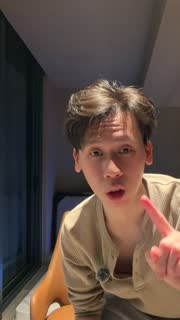
You asked “put the title behind me”

Made with Krafto

Three creators. Three very different edits.

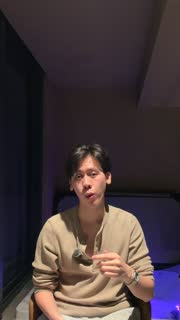
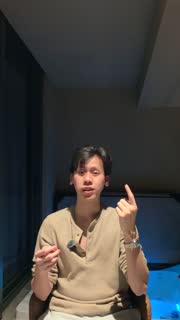
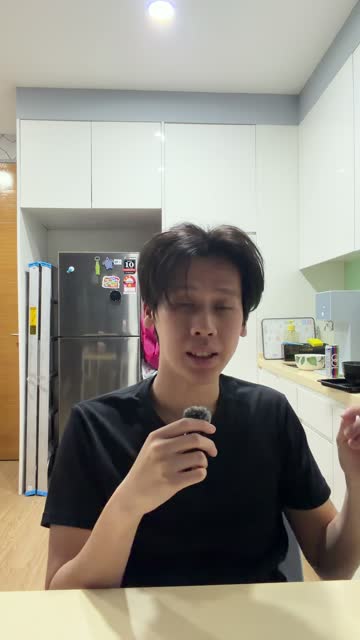
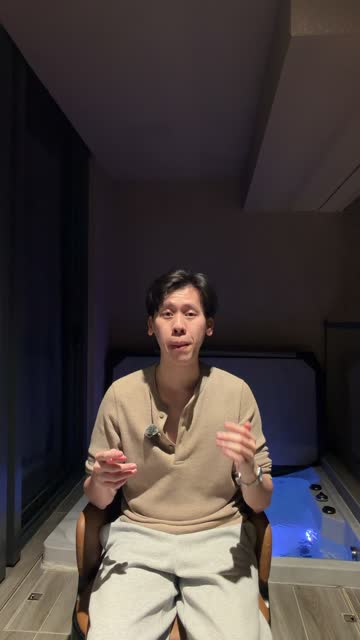
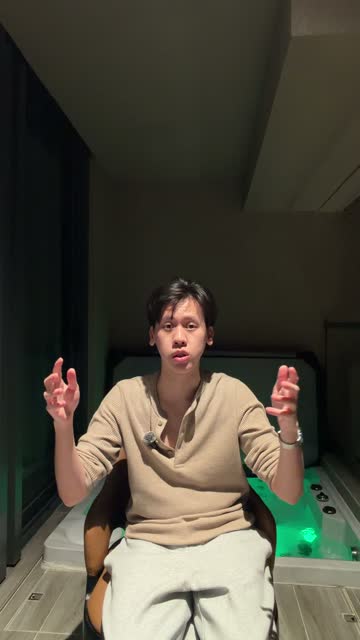
Talking head1:35 raw → 0:17asked “draw the API as I explain it”
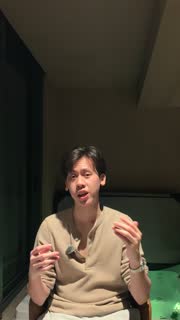
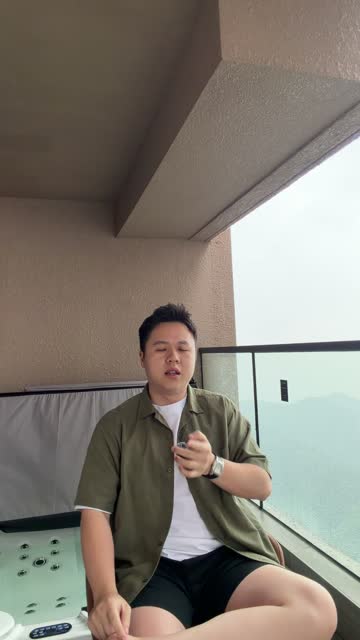
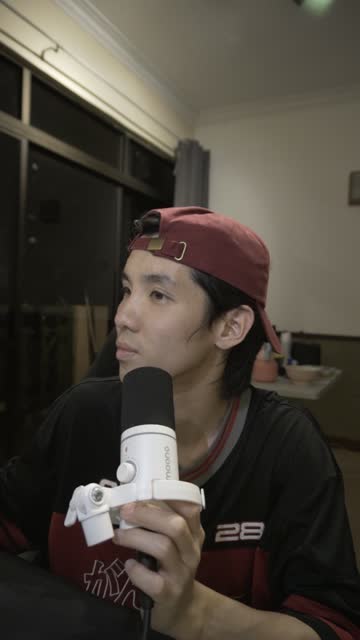
Travel vlog11:04 raw → 0:27asked “illustrate the funny bits”by @impakhin
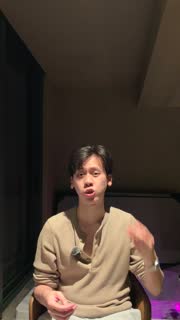
Money explainer2:29 raw → 0:33asked “animate the cash-flow math”by @gohys_118

Before you start

The worries, answered.

  • “I'm not an editor.”

    You don't need to be. Just say what you want, like texting a friend.

  • “What if it cuts the best part?”

    Just tell it which part you want back.

  • “What if one fix changes everything?”

    Mark the part you want changed, and it only works there. Don't like what it did? Undo it.

  • “What if I lose my edit?”

    It saves as you go, and every version you've made is kept.

Pricing

Less than one editor, every month.

One video from an editor: $100 and days of waiting.

Krafto Creator

For getting started

  • 780 credits a month
  • Unlimited exports
  • 50 GB of storage
  • Chat editing with the full Studio

Cancel any time. Need more credits? Add 300 for $10.

Questions

What people ask before they start.

Getting started

Talking-head recordings and vlogs from a phone or a camera, whether that is one take or a dozen. Bring the clips as they came off the device.

No. Krafto has two paid plans, Creator and Max. You can cancel any time from Plan & billing, and your access runs to the end of the period you paid for.

Editing

No. Plain sentences work. Say it the way you would tell a friend, then ask again if the first pass misses.

Vertical 9:16 for Reels, TikTok and Shorts, 4:5 and 1:1 for feeds, and 16:9 for YouTube.

Billing

Credits pay for the AI work: edits and transcription. Creator includes 780 every month and Max 2,000. If you run out, add 300 more for $10. Exports never use credits.

Yes, from Plan & billing. Upgrading to Max starts right away: you pay the difference for the rest of the month and get the extra credits at once. Moving to Creator starts when your paid month ends.

Yes. Cancel from Plan & billing at any time. Paid access runs to the end of the current billing period.

your next video,

Pick a video you gave up on. Upload it, say what you want, and post it today.

Start editing